A fake delivery notification scam is a text, email, or social message that pretends to come from USPS, UPS, FedEx, DHL, or Amazon to steal your card details or login credentials through a fake website. Learning how to recognize a fake delivery notification scam comes down to one rule: verify the shipment yourself, on the carrier’s app or website, and never through the link in the message. Ten minutes of checking saves you a card number, a password, and a long call with your bank.
Here is the honest part: most people receive these blasts whether or not they have anything in transit. On the r/Scams forum the recurring line is that the same message arrives several times a week and only the fake website changes. Scammers send to any valid phone number and hope to get lucky, which means a delivery text tells you nothing about your own orders.
The whole check takes a few minutes once you know what to look for. Here is the setup first, then the seven steps.
Table of Contents
- What You Need
- How to Recognize a Fake Delivery Notification Scam: Step by Step
- 1. Check the sender and message context
- 2. Look for grammatical and design warning signs
- 3. Verify the tracking number directly
- 4. Check the claimed delivery problem
- 5. Protect payment and personal information
- 6. Contact the company using an independent channel
- 7. Delete, block, and report the message
- Common Mistakes
- Frequently Asked Questions
- Can a real delivery company send a text or email about my package?
- What should I do if I clicked a fake delivery notification link?
- Is it normal for a delivery company to ask for a small redelivery fee by text?
- How can I verify a delivery notification without using the link?
- Should I pay a customs or address-correction fee sent by SMS?
- What should I do if I entered my card details into a fake delivery site?
- Conclusion
What You Need
Gather these before you open anything suspicious. Having them ready is what separates a calm five-minute check from a panicked one.
- Your order records. Open the retailer account you actually ordered from (Amazon, Walmart, a store site) and note what you bought, when, and to which address. This is your ground truth, and it beats any message.
- The carrier’s official app or website. Open it from your phone’s app store or type the address yourself. Never from a link in a message. USPS, UPS, FedEx, and DHL all ship free tracking tools, and USPS has a free Informed Delivery feature that images your mail.
- A second device or phone number. Useful if you need to call a carrier and your phone is already the one holding the suspicious message. A laptop or tablet works too.
- Your cardholder’s phone number. Whoever holds the bank card for the order should be the one to call if anything feels off.
That is the whole kit. No special app, no paid tool, no security software.
How to Recognize a Fake Delivery Notification Scam: Step by Step
Work through these in order. Stop at the first red flag and verify before you continue. The whole sequence takes less time than waiting on hold with a carrier, which is the point.
1. Check the sender and message context
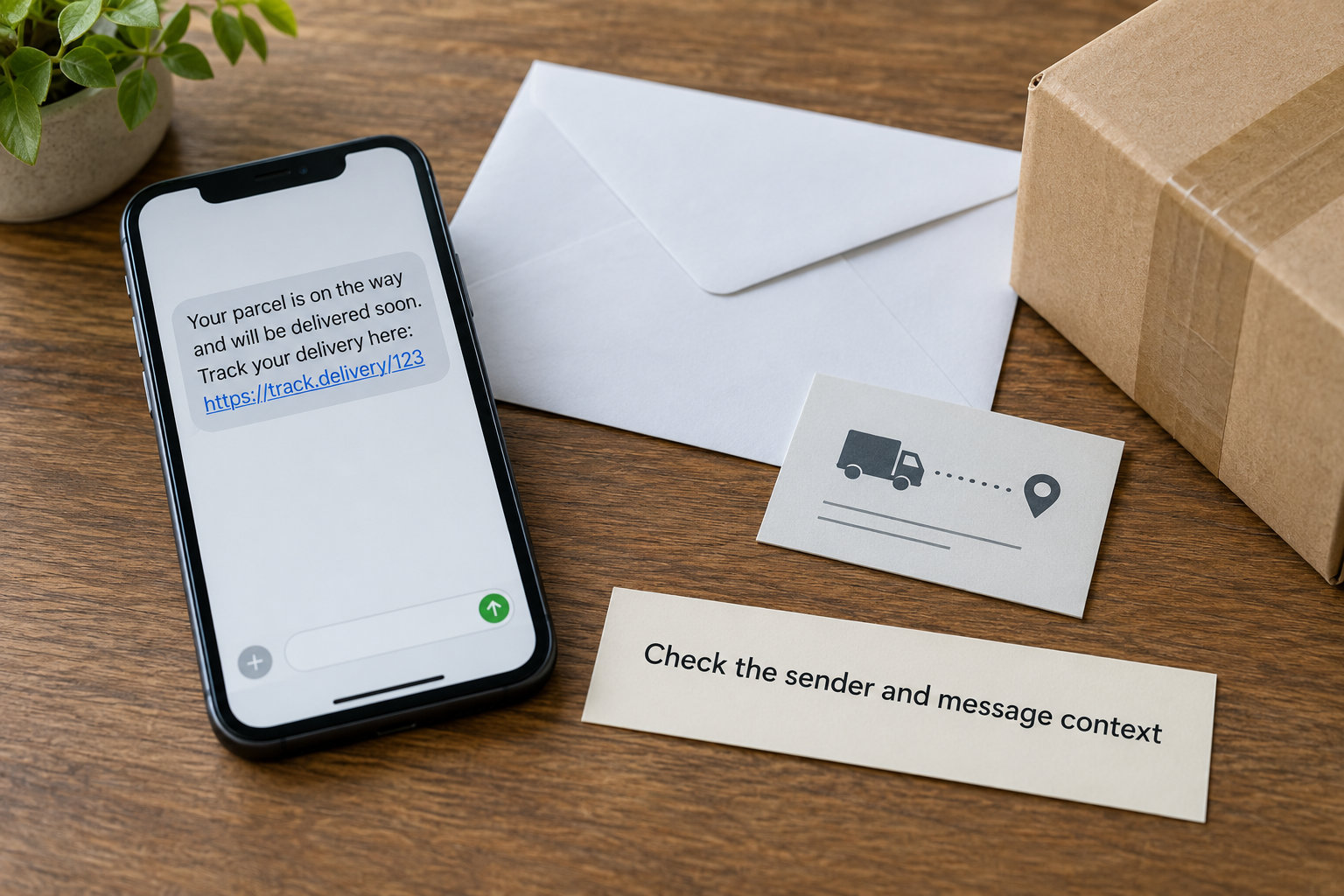
Start with who sent it and what they claim. Legitimate carrier texts usually come from a short code you opted into, such as USPS’s 28777, or a number the carrier publishes. A long random 10-digit number, a foreign country code, or a name you do not recognize is a warning sign.
Display names are not proof of anything. A phone that shows your own name or number can be spoofed, which is why forum users sometimes report messages that appear to come from their own handset. On iPhone, an unfamiliar number sending for the first time shows a small red dot next to the contact; on Google Messages similar unknown-sender labels appear. Those are cues, not verdicts.
Then read the context. Did you order anything in the last week? If not, an “your package is waiting” text is a blast, not a message about your life. Forum readers point this out repeatedly: scammers send identical copy to every valid number, so a perfect match with your recent orders is not proof the message is real either.
2. Look for grammatical and design warning signs
Spelling mistakes and awkward wording were the classic tells, and they still show up in cheaper campaigns. Misspellings in the brand name, inconsistent logos, low-resolution images, and colors that do not quite match the carrier’s real branding are all worth a second look.
But treat grammar as a supporting clue, not proof. Scammers now use AI-generated copy, so messages arrive with clean punctuation, plausible tone, and professional phrasing while still being fraudulent. If you stop at grammar, you will eventually hand your card number to a well-written message.
The pressure is the stronger signal. Look for a deadline, a threat that the parcel returns to sender, a small fee that must be paid today, or an attachment you were not expecting. Real carriers do not run countdown timers in a text message.
3. Verify the tracking number directly
Read the tracking number out of the message and paste it into the carrier’s own site, which you opened yourself. If the number resolves to a real shipment with your address and your retailer, the message may still be fake but the shipment is real. If it returns nothing, or shows a different name, treat the message as fraudulent.
Numbers also have shapes worth knowing. USPS tracking numbers are 20 to 22 digits, with Priority Mail commonly starting 94, 93, or 92 followed by 20 digits, and Certified Mail starting with 7. UPS has its own 1Z format, and FedEx uses 12 to 15 digit numbers. A “tracking number” that is really a phone number, or a string of letters, is a dead giveaway.
If the lookup shows a shipment you never placed, someone may have used your details, or the scammer reused a real number as bait. Either way, do not respond to the sender.
4. Check the claimed delivery problem
Most of these messages carry a pretext: a missed delivery attempt, a package held at a depot, an incomplete address, an unpaid customs or duty fee, a storage charge, or a redelivery payment. The pretext exists to create a reason for you to enter details on a fake page.
Ordinary delivery updates do not need your card. If a message claims a problem that you cannot see anywhere in your retailer account or on the carrier’s site, that is the whole answer. Check both places before believing the text.
Be especially skeptical of small amounts. Forum users have reported demands of a dollar or two that feel too small to matter, and shoppers report doorstep couriers holding a branded box and asking for a specific few-dollar payment. Card-on-delivery charges of that size are often used to verify that a card number is real, and the small sum buys the cardholder an actual charge and a trail.
Nobody legitimate collects a delivery payment by text, by QR code in a message, or by handing you a keypad at the door.
5. Protect payment and personal information
Make a firm rule for yourself and for your family: no delivery text, ever, is a reason to enter a card number, a password, a date of birth, or a Social Security number. Those details do not belong in any legitimate shipping flow.
The link is the risk. A URL can point to a convincing clone of a carrier site that harvests everything you type, or downloads malware onto a device. Look at it without tapping it by long-pressing on Android or tapping and holding the preview on iPhone. Read the actual domain, not the brand name in the visible text.
A padlock icon only means the connection is encrypted. Anyone can get one for a fraudulent site, so treat it as a technical fact rather than a trust signal. Shortened links hide the destination completely, which is another reason not to click.
Replying is not automatically dangerous, but it confirms your number is active and monitored. Users report texting STOP to unsubscribe and being flooded afterward. Ignore the message instead of engaging with it.
6. Contact the company using an independent channel
This is the step that stops the scam. Open the carrier’s app or type its website address yourself, or call a number printed on a receipt or on a shipping notice you already have. Never use a phone number or web address that appears only inside the suspicious message.
For retailers, sign into your account on the site you normally use and check the order status there. If the retailer shows the order as delivered, on hold, or never shipped, you have your answer without contacting anyone.
For USPS specifically, the Postal Inspection Service handles package delivery fraud reports, and USPS says it texts only when you opt in through 28777. UPS, FedEx, DHL, and Amazon each publish their own fraud guidance and contact routes on their official sites. The pattern is the same for international carriers such as Evri, Royal Mail, Australia Post, and Correos: real updates live in the app, not behind an unexpected link in a text.
7. Delete, block, and report the message
Once you have confirmed the message is fake, forward the text to 7726 (SPAM) before you delete it, which reports it to your carrier and helps others. On iPhone, report junk through the message’s contact info and mark it as spam; on Android, use the built-in report spam option. Then block the sender and delete the conversation.
If the message included a QR code or attachment and you scanned or opened it, treat the device as suspect: run your phone’s built-in security scan, remove any app you installed as a result, and change passwords from a different device.
Report the incident at reportfraud.ftc.gov, which feeds the Federal Trade Commission’s consumer complaint database, and at usps.gov where a Postal Inspection Service report applies. Reporting does not get your money back, but it adds to the pattern that gets these campaigns taken down.
If you already entered card details, call your card issuer’s number on the back of the card immediately and ask for a fraud alert or a new card. Speed matters more than anything else in that call.
Common Mistakes
Trusting the display name. A contact saved as USPS or FedEx proves nothing, because caller and sender IDs are easy to fake. The fix: judge the number and the domain, not the label.
Clicking first to inspect the link. The destination page is the trap, so inspecting by clicking defeats the purpose. The fix: long-press to preview the URL without opening it.
Paying a small fee to test it. A dollar or two can confirm your card is live and start a trail of charges. The fix: verify the parcel status instead. If a real fee exists, it will show in your retailer or carrier account.
Replying with personal details. Anything you send goes to the person who sent the text. The fix: no reply, no unsubscribe, delete and report.
Assuming any tracking number found online is real. Numbers get stolen, copied, and reused as bait. The fix: only trust a number that resolves on the carrier’s own site to your name and address.
A few habits keep the next one from arriving. Register your mobile number with the carriers you actually use so their texts come from a known short code. Keep order confirmations in one email folder so a genuine notification is easy to match. Turn on two-factor authentication on your retailer accounts and use a different password for your email than for shopping. And agree on one family rule, the same one every time: if a message about a package needs money or personal information, we hang up and check the account ourselves.
That last one matters most for older relatives, who are targeted constantly and often believe an official-looking text by default. Sitting down once and agreeing on a verification rule is the single most useful thing you can do for them.
Frequently Asked Questions
Can a real delivery company send a text or email about my package?
Yes, but only in limited ways. USPS texts customers who opted in through 28777, and UPS, FedEx, DHL, and Amazon send updates to numbers linked to an account. Real notifications point you to the carrier app or a site you open yourself, and they do not demand card details by text. An unexpected message is not proof of fraud, but verify it before acting.
What should I do if I clicked a fake delivery notification link?
Close the page and do not enter anything. On a phone, run the built-in security scan and remove any app the page asked you to install. Change passwords for any account you typed into, starting with email, using a different device. If you entered card details, call the issuer number on the back of the card right away and report the text at reportfraud.ftc.gov.
Is it normal for a delivery company to ask for a small redelivery fee by text?
No. Redelivery, customs, and address-correction fees are collected through the carrier’s official site or at checkout, never through a link in a text or a QR code in a message. Small amounts are typical because they verify a card number cheaply. If a fee is genuinely owed, it will appear in your retailer or carrier account, so check there instead of paying through the message.
How can I verify a delivery notification without using the link?
Open the carrier’s app or type its website address yourself, then sign in or paste the tracking number from the message. If a real shipment matching your name, address, and retailer appears, you have confirmation without touching the link. You can also check the retailer account where you ordered. Never use a phone number or web address that appears only inside the message.
Should I pay a customs or address-correction fee sent by SMS?
Do not pay it through the message. Customs duty is normally collected by the retailer at checkout or by the carrier at the official checkout page, and a carrier will never ask you to update an address by text. Open your order in the retailer account and the carrier site you navigate to yourself. If a fee appears there, you can pay it through that legitimate checkout instead.
What should I do if I entered my card details into a fake delivery site?
Call the number on the back of your card immediately and tell them a fraudulent site captured your details, then ask for a fraud alert or a replacement card. Do not wait to see if charges appear, because small test charges often come first. Report the site at reportfraud.ftc.gov and keep the message and page address, since your bank may ask for them.
Conclusion
If you remember one thing from this guide on how to recognize a fake delivery notification scam, make it this: do not click, do not pay, and do not reply. Open the carrier’s app or the retailer account yourself and check whether a shipment actually exists.
If you already clicked, close everything, scan the device, and change passwords from a different machine. If card details went in, call the number on the back of that card today. That part is the only real emergency in this whole story.